
How do I buy a board on Reswell?
Find a surfboard you love, check out with Buy it now, and stay covered by Purchase Protection. You can also message the seller or make an offer first.
Quick answer
Find a board
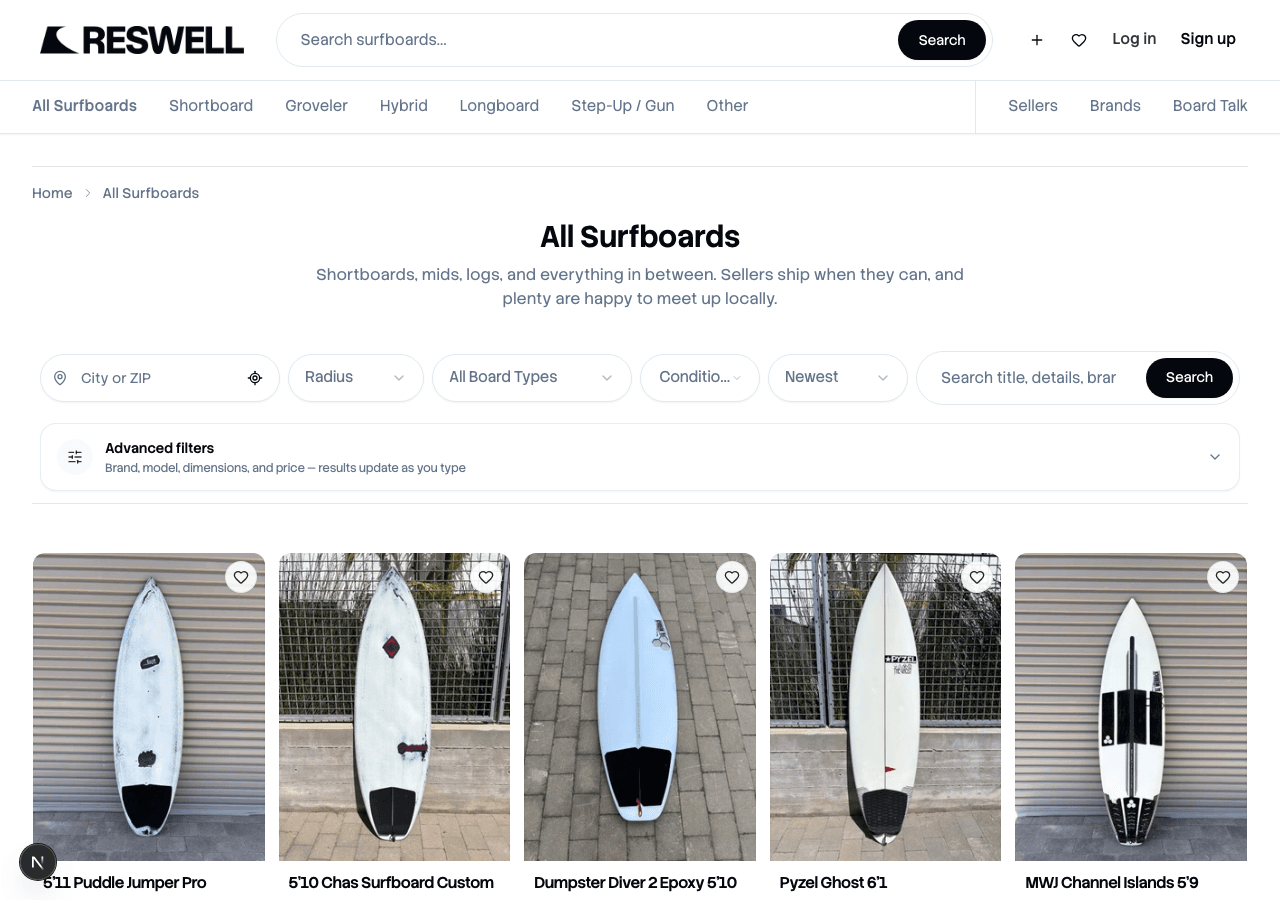
Start on the Surfboards page or use search to filter by brand, length, fin setup, and price. Tap any active listing to see photos, dimensions, condition notes, and how the seller can get the board to you.
See something you like? Tap the heart to save it to Favorites and come back when you are ready.
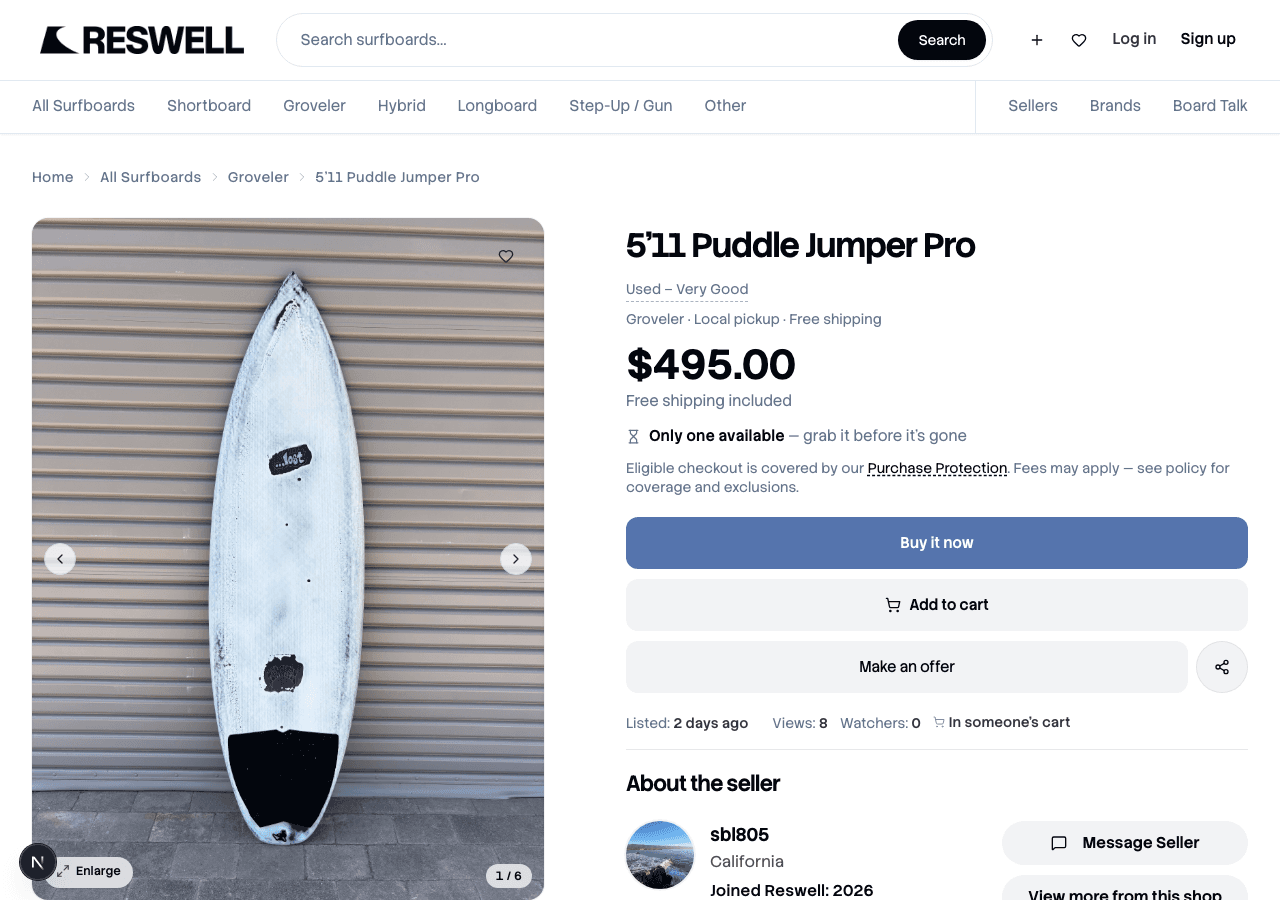
Buy it now
When you are ready, tap Buy it now on the listing. Checkout is where you pick how you will get the board (if the seller offers both pickup and shipping), confirm your details, and pay through Stripe.
Sign in
You need a Reswell account so we can connect your purchase to Purchase Protection and your order history.Choose how you will get the board
Pick Local pickup to meet the seller in person, or Ship to me when shipping is available. Our guide on pickup vs shipping walks through each option.Pay in checkout
Review your order and tap Pay now. You can pay by card, Link, or Klarna through Stripe. More on payment methods.Track your purchase
After you pay, open Purchases to follow shipping, coordinate pickup, or get help if something goes wrong.
Not ready to buy yet?
Tap Message Seller in the About Seller section to ask about dings, fin setup, or pickup timing. If the seller has offers on, tap Make an offer to negotiate. Read How do offers work on Reswell? for the full rundown.